Best AI Expense Tracker for ChatGPT and Claude
A practical guide to using PocketLedger as an AI expense tracker for ChatGPT, Claude, and MCP-compatible assistants.

Alireza Saligheh
2026-06-29 · 9 min read
What is the best AI expense tracker for ChatGPT and Claude?
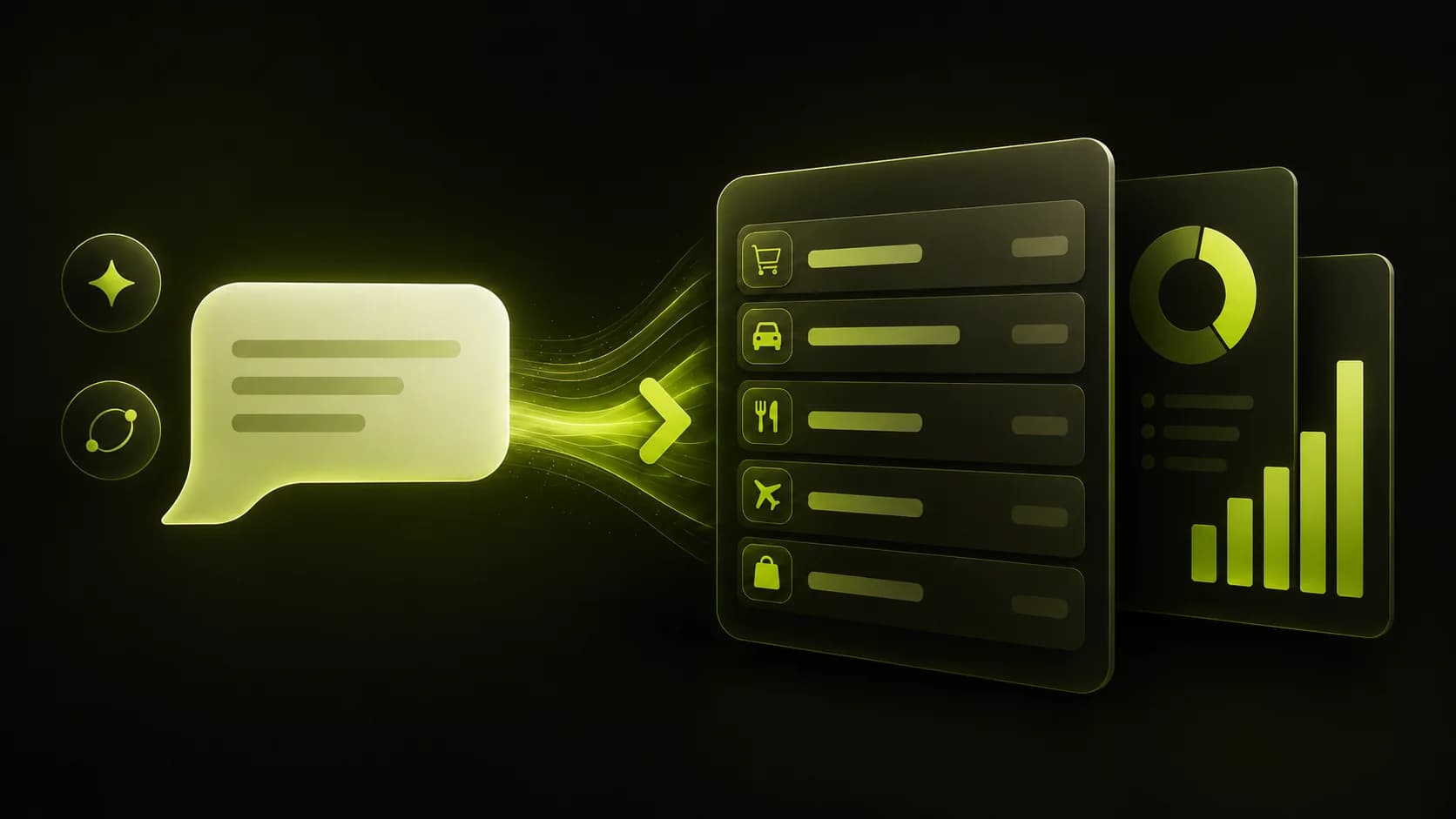
The best AI expense tracker for ChatGPT and Claude is one that lets you record spending in plain language, then search transactions and view reports without building a spreadsheet. PocketLedger is built for that workflow. You log an expense in your AI assistant, and PocketLedger stores it in your personal ledger.
PocketLedger is designed for people who want simple daily spending tracking, not a complicated finance dashboard. Instead of opening a spreadsheet, choosing columns, and remembering exact labels, you can write something like: Log $5 for coffee today.
That one sentence is enough to create a transaction with an amount, date, and category. From there, you can open the web app or mobile app to view Transactions, Reports, Account, and Settings.
Why expense tracking is hard to keep up with
Most people do not fail at expense tracking because they are careless. They fail because the workflow is too slow. A typical spending tracker asks you to open an app, tap through fields, choose a category, enter the merchant, fix the date, and save the transaction.
That is a lot of work for a $5 coffee, a WFH lunch, a gas station snack, or a quick Costco run.
The real problem is consistency. An expense tracker only helps when you use it close to the moment you spend money. If logging feels annoying, you wait until later. Then later becomes tomorrow, and tomorrow becomes a forgotten week of transactions.
PocketLedger removes that friction by making expense tracking feel like sending a message. You can log small purchases as they happen, then review the bigger picture later.
What makes PocketLedger different from a traditional spending tracker?
PocketLedger is an AI-native personal expense ledger. That means the main action is not filling out a form. The main action is telling your AI assistant what happened in normal language.
For example, you can say:
Log $5 for coffee today.I spent $18 on lunch yesterday.Add $42 for groceries from this morning.Show my food transactions for this month.Search transactions over $20 from last week.
PocketLedger turns those messages into structured transactions in your ledger. Then you can search your spending, review categories, and view reports.
| What you want to do | Traditional tracker | PocketLedger |
|---|---|---|
| Log a small purchase | Open app, fill fields | Type one sentence |
| Find old spending | Scroll or filter manually | Ask to search transactions |
| Review categories | Open dashboard screens | View reports by category |
| Track daily habits | Easy to forget | Log inside your AI workflow |
| Avoid spreadsheets | Often still needs exports | Built around a ledger and reports |
PocketLedger is not trying to be a bank account replacement or an investment adviser. It is focused on one practical job: helping you record and understand personal spending with less friction.
How PocketLedger works with ChatGPT and MCP-compatible assistants
PocketLedger connects AI assistants to a personal expense ledger. When you use PocketLedger through ChatGPT or an MCP-compatible assistant, the assistant can help you log expenses, search transactions, and request reports.
A simple workflow looks like this:
- You connect PocketLedger to your AI assistant.
- You tell the assistant what you spent.
- PocketLedger records the transaction in your ledger.
- You review Transactions and Reports in the web app or mobile app.
- You adjust categories or settings when needed.
The important part is that you do not need to learn spreadsheet formulas or build a finance system from scratch. The assistant handles the language. PocketLedger handles the ledger, transactions, reports, categories, account, and settings.
Example: logging one coffee
Type this into your connected AI assistant:
Log $5 for coffee today.
PocketLedger can save that as a transaction, categorize it, and make it available in Transactions. Later, you can ask how much you spent on coffee this week or view a report by category.
How to start tracking expenses with PocketLedger
Getting started works best when you begin with one tiny test transaction. Do not try to rebuild your full spending history on day one. Start with one purchase, confirm it appears in Transactions, then build the habit from there.
Step 1: Create your PocketLedger account
Go to PocketLedger and create an account. Your account gives you a personal ledger where transactions and reports are stored.
Step 2: Connect your AI app
Use the Connect AI Apps flow to connect PocketLedger with ChatGPT or another compatible assistant. This is what lets your assistant send expense actions to your ledger.
Step 3: Log your first expense
Start with a small test:
Log $5 for coffee today.
This is the fastest way to understand the product. You are not reading a feature list. You are creating a real transaction.
Step 4: Check Transactions
Open Transactions in the PocketLedger web app or mobile app. Confirm the expense appears with the right amount, date, and category.
Step 5: Ask for a report
Once you have a few transactions, ask for a spending report. You can review totals by category and understand where your money is going.
Examples:
Show my spending report for this month.How much did I spend on food this week?Search transactions from yesterday.List my coffee transactions this month.
Best use cases for an AI expense tracker
PocketLedger is most useful when your spending is frequent, small, and easy to forget. The point is not to make money tracking feel fancy. The point is to make it easy enough that you actually do it.
Daily personal spending
Coffee, lunch, groceries, gas, parking, snacks, and small purchases can add up quickly. PocketLedger helps you record them before they disappear from memory.
Freelance and side project expenses
If you run a side hustle or freelance project, you may want a lightweight way to keep personal and work-related spending visible. PocketLedger can help you log transactions and review categories without maintaining a separate spreadsheet for every small purchase.
Student and young adult budgeting
Students often need a simple way to understand spending without learning a full budgeting system. Natural language logging makes the habit easier to start.
Household visibility
A ledger can make recurring categories easier to notice. Food, transport, subscriptions, shopping, and bills become easier to review when expenses are logged consistently.
ChatGPT-first workflows
If you already use ChatGPT for planning, writing, learning, or work, PocketLedger adds a practical spending layer to the same assistant workflow.
PocketLedger vs spreadsheets
Spreadsheets are powerful, but they are not always the best daily expense tracker. They require structure before they become useful. You have to decide columns, categories, formulas, filters, and report views.
PocketLedger is built for people who want the result without designing the system. You log transactions in natural language, then use reports and search to understand your spending.
| Question | Spreadsheet | PocketLedger |
|---|---|---|
| Do I need setup? | Yes, usually | Minimal |
| Can I log in plain language? | No | Yes |
| Can I search by asking? | Not naturally | Yes |
| Is it good for daily habit building? | Only if you love spreadsheets | Yes |
| Is it flexible? | Very flexible | Focused on expenses |
A spreadsheet is still useful for advanced custom analysis. PocketLedger is better for the daily habit of recording expenses quickly and reviewing them later.
PocketLedger vs normal budgeting apps
Many budgeting apps try to do everything. That can be useful, but it can also make the product feel heavy. PocketLedger is more focused. It helps you log expenses, search transactions, manage categories, and view reports through AI-friendly workflows.
That focus matters because many people do not need a complicated finance app. They need a reliable place to record what they spent and a fast way to ask questions about it.
PocketLedger is a good fit if you want:
- Natural language expense tracking
- A personal ledger of transactions
- Category-based reports
- Searchable spending history
- ChatGPT and MCP-compatible assistant workflows
- A simpler alternative to spreadsheets
It may not be the right fit if you are looking for bank sync, wallet features, payouts, investment advice, or a full accounting suite.
What to ask your AI expense tracker
A good AI expense tracker should help you ask useful questions in normal language. You should not need to remember exact filter names.
Try questions like:
What did I spend yesterday?Show my food spending this month.Find transactions over $50.How much did I spend on coffee this week?Show a report by category.Search transactions from last Friday.
These questions work because the ledger is structured, but the interface is conversational. You get the flexibility of search without doing the manual work of a spreadsheet.
Why the best expense tracker is the one you actually use
The biggest expense tracking mistake is choosing a tool that looks powerful but feels annoying. A tool can have perfect charts and still fail if you never log the transactions.
PocketLedger starts from the opposite idea. Make logging easy first. Then make reports and search useful after the data exists.
That is why the simple coffee test matters. If you can type Log $5 for coffee today and see it appear in Transactions, you understand the whole value of the product.
Small habits create useful ledgers. Useful ledgers create better reports. Better reports make spending easier to understand.
Frequently asked questions
Is PocketLedger an AI expense tracker?
Yes. PocketLedger is an AI-native expense tracker that lets you log expenses in natural language through ChatGPT and MCP-compatible assistants. It stores spending as transactions in a personal ledger and lets you search transactions or view reports.
Can I use PocketLedger as a ChatGPT expense tracker?
Yes. PocketLedger is designed to work with ChatGPT. You can connect it, log expenses in plain English, then review the saved transactions in your PocketLedger account.
Does PocketLedger work with Claude?
PocketLedger is built for MCP-compatible assistant workflows, which can include Claude when your setup supports compatible connections. The main idea is the same: use natural language to log expenses and query your ledger.
Do I need a spreadsheet to use PocketLedger?
No. PocketLedger is made for people who want to track spending without spreadsheets. You can still export or analyze data separately if needed, but the everyday workflow is based on logging expenses, searching transactions, and viewing reports.
What is the easiest way to test PocketLedger?
The easiest test is to connect PocketLedger, then type: Log $5 for coffee today. After that, open Transactions and confirm the expense appears. This gives you a quick feel for natural language expense tracking.
A simple next step
You do not need to track a whole month today. Start with one real purchase. Log it, check Transactions, and see how it feels.
PocketLedger is built for people who want a practical AI expense tracker, a searchable personal ledger, and simple spending reports without spreadsheet maintenance.