AI Expense Tracker for Freelancers: Plain-English Spending
Track freelance business spending in plain English, organize transactions, and build a cleaner record for reports and tax preparation.

Alireza Saligheh
2026-07-10 · 8 min read

Last updated: June 2026
An AI expense tracker for freelancers lets you record business spending in ordinary language, then review it as organized transactions and reports. Instead of maintaining spreadsheet rows or memorizing category names, you describe what happened, confirm the entry, and keep a cleaner record for client work, monthly reviews, and tax preparation.
What is an AI expense tracker for freelancers?
An AI expense tracker for freelancers is a digital ledger that turns plain-language expense notes into structured records. A sentence such as “Paid $18 for lunch during a client meeting” can become a transaction with an amount, date, description, and category, ready to search or include in a spending report.
PocketLedger supports this lighter workflow. You log expenses through ChatGPT or another MCP-compatible assistant, then use the web or mobile app to review Transactions, adjust Categories, search your ledger, and view Reports.
The useful part is not AI by itself. It is removing the small form-filling steps that make expense tracking easy to postpone.
Why do traditional freelancer expense systems break down?
Traditional systems often make capture slower than the purchase. When one expense requires opening a spreadsheet, finding the correct tab, entering several fields, and choosing a category, “I’ll do it later” becomes the default.
| Method | Best for | Main limitation |
|---|---|---|
| Spreadsheet | Custom formulas and manual analysis | Requires consistent maintenance |
| Bank statement review | Reconstructing card activity | Merchant names may not explain purpose |
| Accounting software | Formal books and tax workflows | Can feel heavy for quick capture |
| AI expense ledger | Fast personal logging, search, and reports | Still requires review and supporting records |
Use a spreadsheet when you want custom analysis. Use full accounting software for invoicing, payroll, reconciliation, tax filing, or multi-user controls. PocketLedger is narrower: it helps a solo freelancer capture and review their own expenses.
For a broader comparison, read How to Choose an Expense Tracker in 2026.
How does PocketLedger log freelance expenses in plain English?
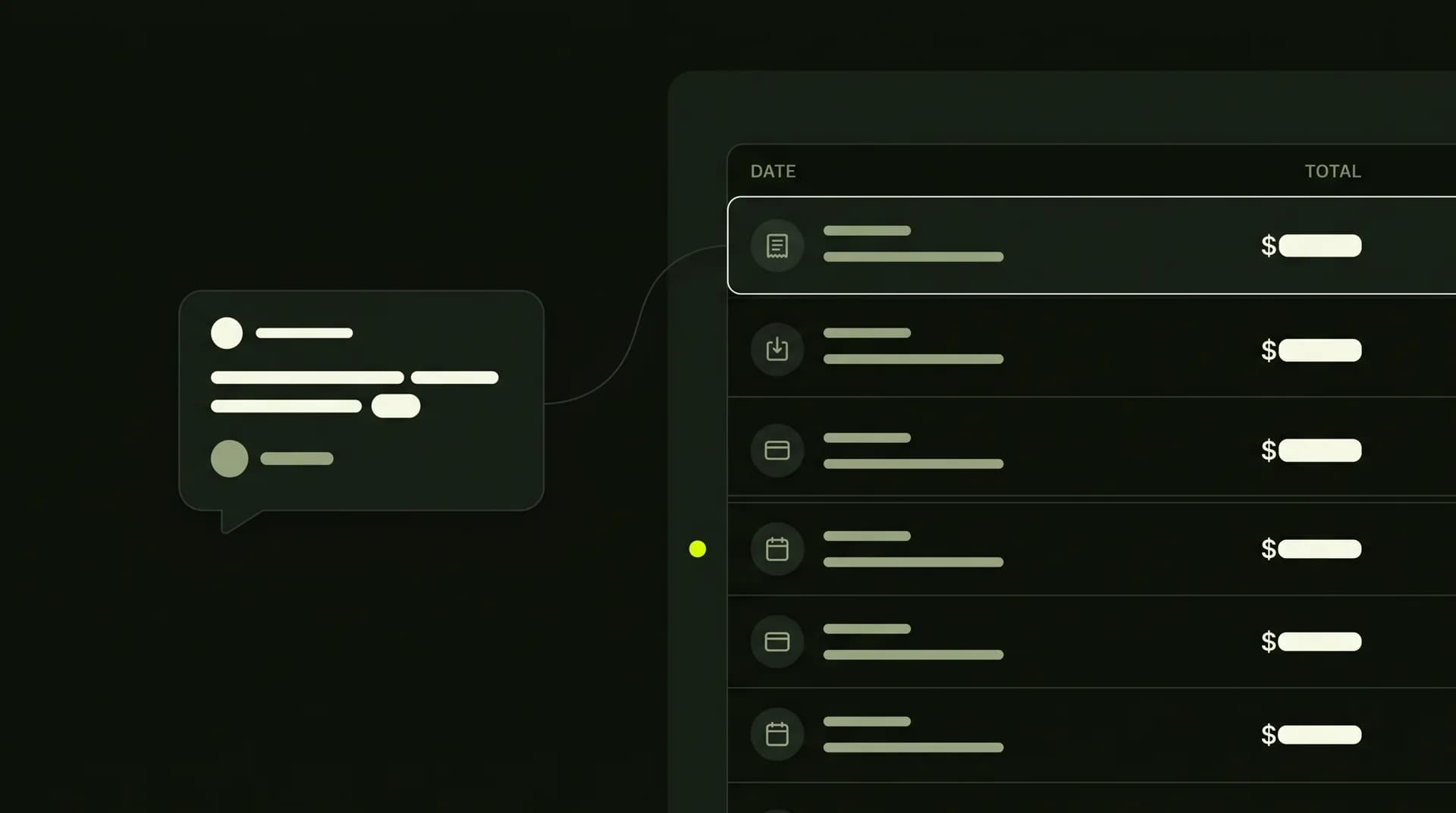
PocketLedger receives a natural-language instruction from a connected AI assistant, identifies useful transaction details, and saves the result to your ledger. You can then verify it in Transactions, correct its category, search for it later, or include it in a report.
Start with the simplest test:
Log $5 for coffee today.
After the assistant records it, open PocketLedger and confirm that the coffee expense appears in Transactions. This shows that the purchase was saved as a ledger entry instead of remaining temporary chat text.
More specific freelance examples include:
Log $24 for a client lunch today.
Record $59.99 for design software used for client projects.
Add $18 for parking during yesterday’s photo shoot.
A useful entry includes amount, date, purpose, and enough context to recognize it later. “$18 parking for client shoot yesterday” is better than “business expense.”
See Best AI Expense Tracker for ChatGPT and Claude for more conversational logging examples.
How do you track freelance business expenses with PocketLedger?
A practical setup takes five steps. Capture spending quickly, then review it before small mistakes become a month-end cleanup job.
1. Connect an AI app
Connect PocketLedger to ChatGPT or another supported MCP-compatible assistant. Claude users can follow the verified Claude connector setup guide.
2. Log the expense when it happens
Send one sentence as soon as practical. Include the amount, purpose, and date when the purchase was not made today.
Log $14 for a WFH lunch today.Add $36 for printer ink yesterday, business use.Record $220 for a conference ticket purchased Friday.
3. Check Transactions
Confirm that the amount, date, description, and category are reasonable. AI reduces entry work, but it should not remove your review step.
4. Correct categories early
A design subscription belongs in a different category from office supplies. Fixing one entry now is easier than correcting months of mixed transactions later.
5. Search and review Reports
Search by merchant, purpose, category, or date. Use Reports to review spending before invoicing, month-end planning, or a conversation with your accountant.
How should freelancers separate business and personal spending?
Freelancers should separate business and personal spending by recording the purpose clearly and using consistent categories. The same store may sell groceries, office supplies, electronics, and personal items, so a card statement alone may not provide enough context.
Compare these entries:
Log $32 for groceries today, personal.
Log $32 for printer paper and shipping supplies today, work.
Review the resulting description and category. A simple Work category may be enough initially, but categories such as software, office supplies, travel, or client meals create clearer reports as the ledger grows.
Do not create dozens of categories on day one. Add detail only when it helps answer a real question, such as how much you spent on software, project travel, or office equipment.
Which freelancer expenses are useful to track?
Freelancers should record purchases related to running their work, even when the amount is small. The exact tax treatment depends on the expense, location, and individual circumstances, but a complete ledger gives you better information to review with a qualified professional.
Common categories include:
- Software and online services
- Computer equipment and accessories
- Office supplies
- Advertising and portfolio costs
- Professional fees
- Client-related travel and parking
- Work-related education
- Business meals with clear context
- Shipping, printing, and workspace costs
Do not mark an expense “tax deductible” only because it feels work-related. In the United States, the IRS says business records should clearly show income and expenses, and supporting documents may include receipts, invoices, and paid bills. It also explains that deductible business expenses generally need to be ordinary and necessary. See the official IRS recordkeeping guidance and IRS Publication 583. ([IRS][1])
PocketLedger organizes ledger entries, but it does not decide whether an expense is legally deductible and does not replace receipts or professional tax advice.
What is a simple weekly routine for freelance expense tracking?
A useful routine is short enough to repeat: log purchases when they happen, review recent transactions weekly, inspect category totals monthly, and prepare a cleaner record before tax or invoicing deadlines.
During the week
- Log each work purchase in one sentence.
- Add the business purpose when it is not obvious.
- Keep receipts and invoices in the storage system you already trust.
Once a week
- Check Transactions for missing, duplicated, or unclear entries.
- Correct categories while purchases are still familiar.
- Search common costs such as software, parking, meals, or supplies.
Once a month
- Review category totals in Reports.
- Look for recurring tools you no longer use.
- Compare project-related spending with what you billed.
- Note purchases that need better documentation.
Before tax preparation
- Confirm personal purchases are not mixed into work categories.
- Gather the receipts and invoices your tax preparer may need.
- Treat the PocketLedger report as an organized starting point, not a filed return.
The Monthly Expense Tracker guide includes a broader daily and month-end review process.
When is PocketLedger not the right freelancer expense tool?
PocketLedger is not the right fit when you need automatic bank feeds, double-entry bookkeeping, invoice generation, payroll, receipt storage, sales tax filing, corporate approval chains, or a complete tax preparation platform.
It is a better fit when your main problem is capturing your own spending consistently. You get conversational logging, a transaction list to verify, categories to organize, search to find records later, and reports to review patterns.
Frequently asked questions
Is an AI expense tracker accurate enough for tax purposes?
An AI tracker can help organize records, but accuracy depends on the details you provide and the review you perform. Confirm amounts, dates, purposes, and categories, and keep supporting documents. PocketLedger is a ledger and reporting tool, not a tax filing service or a substitute for an accountant.
Can I use PocketLedger with existing accounting software?
Yes. PocketLedger can serve as a lightweight capture and review layer while your formal accounting workflow remains elsewhere. Review transactions and reports, then use the relevant information when updating accounting records or speaking with your bookkeeper.
Do I need to categorize every expense manually?
Not always. PocketLedger can infer a likely category from your wording, but you should review and correct it when needed. A clear purpose such as “software for client design work” provides better context than a merchant name alone.
Does PocketLedger connect directly to my bank?
No. PocketLedger focuses on expenses you log through AI assistants or the app. It is not presented as a bank-sync product, so you remain responsible for recording purchases and checking completeness.
Can freelancers log expenses through ChatGPT or Claude?
Yes. After connecting your PocketLedger account, you can log expenses in conversation and verify the saved records in Transactions. For connection or account questions, contact PocketLedger support.
Start with one real expense
Connect PocketLedger, log one purchase, and confirm that it appears in Transactions. A single verified entry is enough to test whether conversational expense tracking fits the way you work.
](https://chatgpt.com/apps/pocketledger/asdk_app_6a16b3665ba481919032ba787b5f3644|primary]]
)