How to Choose an Expense Tracker in 2026
Learn how to choose the right digital ledger for your daily spending. Compare AI natural language logging, privacy features, and clear reports.

Alireza Saligheh
2026-07-05 · 4 min read
What is an expense tracker?
An expense tracker is a digital tool that helps you log, categorize, and review your daily spending. The best tools replace complex spreadsheets with simple transaction logs and clear reports, giving you total visibility into your financial habits without requiring a finance degree.
Tracking cash flow is a foundational habit for personal finance. Traditional spreadsheets are prone to human error and require too much manual effort. Modern digital systems act as a centralized ledger for your spending.
Before picking a tool, you need to evaluate its functional characteristics. Here are four critical features to look for when choosing a personal finance management system.
1. Natural Language Data Entry
The biggest hurdle with any budget software is the fatigue of manual data entry. Opening an app and filling out multiple form fields often leads people to abandon their tracking entirely.
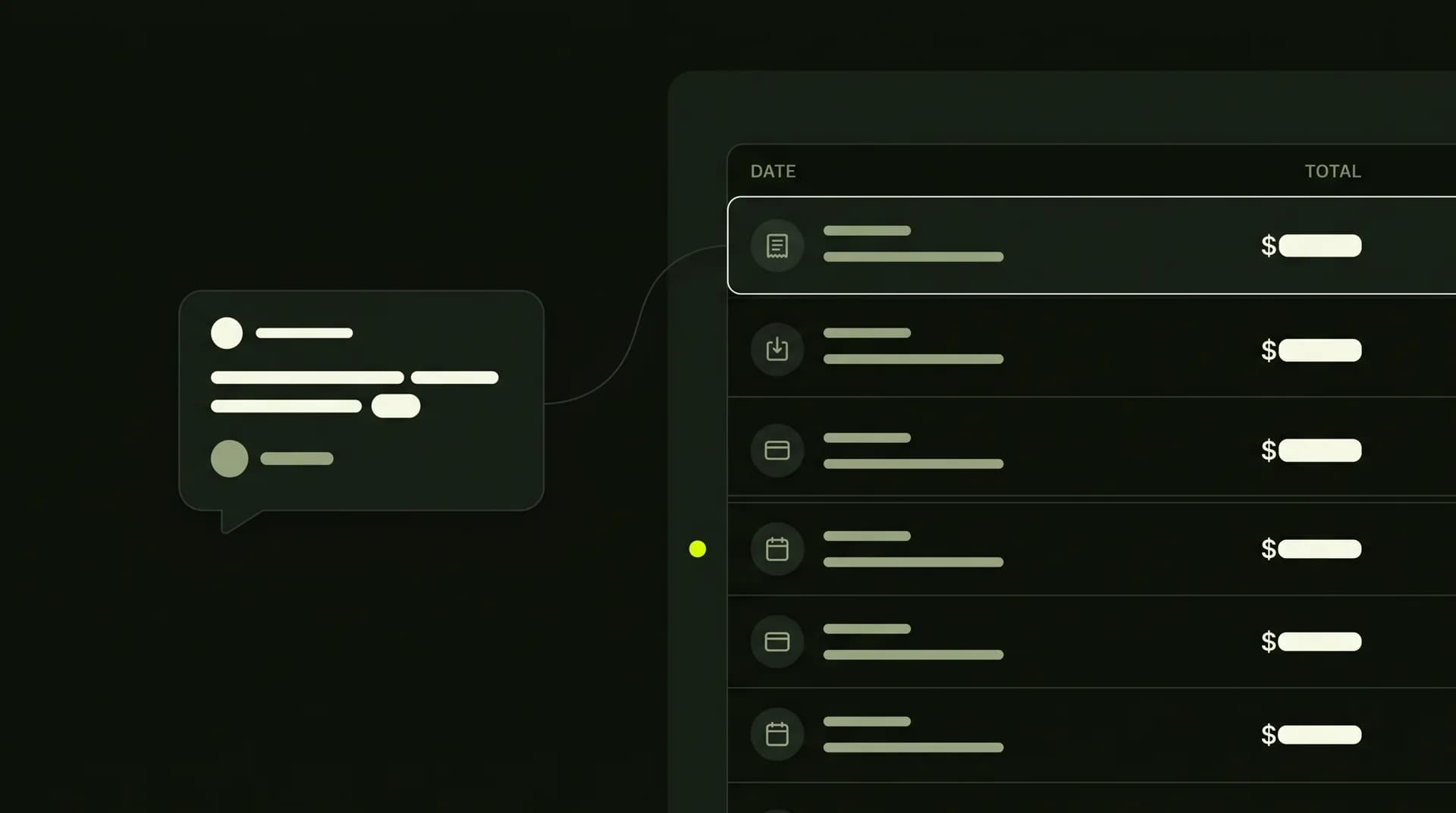
Modern tools solve this by using natural language processing. You can describe your spending exactly how you would talk to a friend. For example, using PocketLedger through a connected AI assistant, you can simply type: Log $5 for coffee today.
The AI extracts the amount, date, and category automatically. This eliminates the friction of traditional data entry and keeps your account up to date effortlessly.
2. Clear Categories and Reports
Recording transactions is only helpful if you can review the data later. Your chosen tool must have a reliable system for categories and reporting.
Instead of confusing pie charts, look for a straightforward web app that lets you search transactions easily. You should be able to filter by date or category to see exactly where your money went last week. If you need more advanced categorization features, you can explore the PocketLedger Mag for extra guides on setting up your ledger.
3. Data Privacy and Security
Financial data is highly sensitive. When evaluating an app, check its data storage and privacy architecture.
Avoid apps that sell your spending habits to third-party marketers. If you connect AI apps to your ledger, ensure the platform follows strict security rules. For instance, PocketLedger uses standard protocols detailed in our OAuth docs to securely connect with external assistants. Always favor platforms that align with reputable industry standards, such as the OpenAI privacy policy.
4. Simplicity vs. Complexity
Many traditional apps suffer from feature bloat. They try to track the stock market, monitor real estate, and manage group bills all at once.
If you need automated multi-currency asset tracking, live stock market syncing, or corporate accounting, a simple AI ledger is not the right fit. However, if your goal is just to log personal daily expenses and check simple reports, simplicity is your best feature. PocketLedger focuses purely on your personal ledger without asking for direct bank connections or offering financial advice.
How to track expenses with AI
Getting started with a natural language ledger only takes a minute. Follow these steps to build your daily habit:
- Set up your ledger. You can create an account to access your secure web dashboard.
- Connect your assistant. Link your account to an MCP-compatible assistant or ChatGPT.
- Speak normally. Tell the AI what you bought.
- Review. Open the mobile app or web app to view your updated reports.
Frequently asked questions
Do I need to connect my bank account? No. Tools like PocketLedger do not require bank sync. You log your transactions manually through natural chat, which keeps your banking credentials completely private.
Can I search past transactions? Yes. A good digital ledger allows you to search transactions by keyword, amount, or date range directly in your settings or dashboard.
What if I need help connecting my AI app? If you run into issues getting your assistant to recognize your account, you can always reach out to support for troubleshooting steps.